

The short answer: A branded mobile app is a native iOS or Android app published under your own business name, giving you direct ownership of the customer relationship, push notification permission, first-party data, and pricing power — none of which you get from a marketplace listing or third-party platform.
A branded mobile app is a native iOS or Android app published under your own business name, brand identity, and App Store listing — not inside a third-party platform, marketplace, or aggregator. Your customers download it from the App Store or Google Play, see your logo, and use an experience you control end to end.
On someone else’s platform, you rent the customer. The rent goes up, and one day the platform decides it would rather sell to them directly. A branded app ends that arrangement. What follows is a plain-language explanation of what a branded app actually gives you, what it costs to get wrong, and how to decide whether one is right for your business right now.
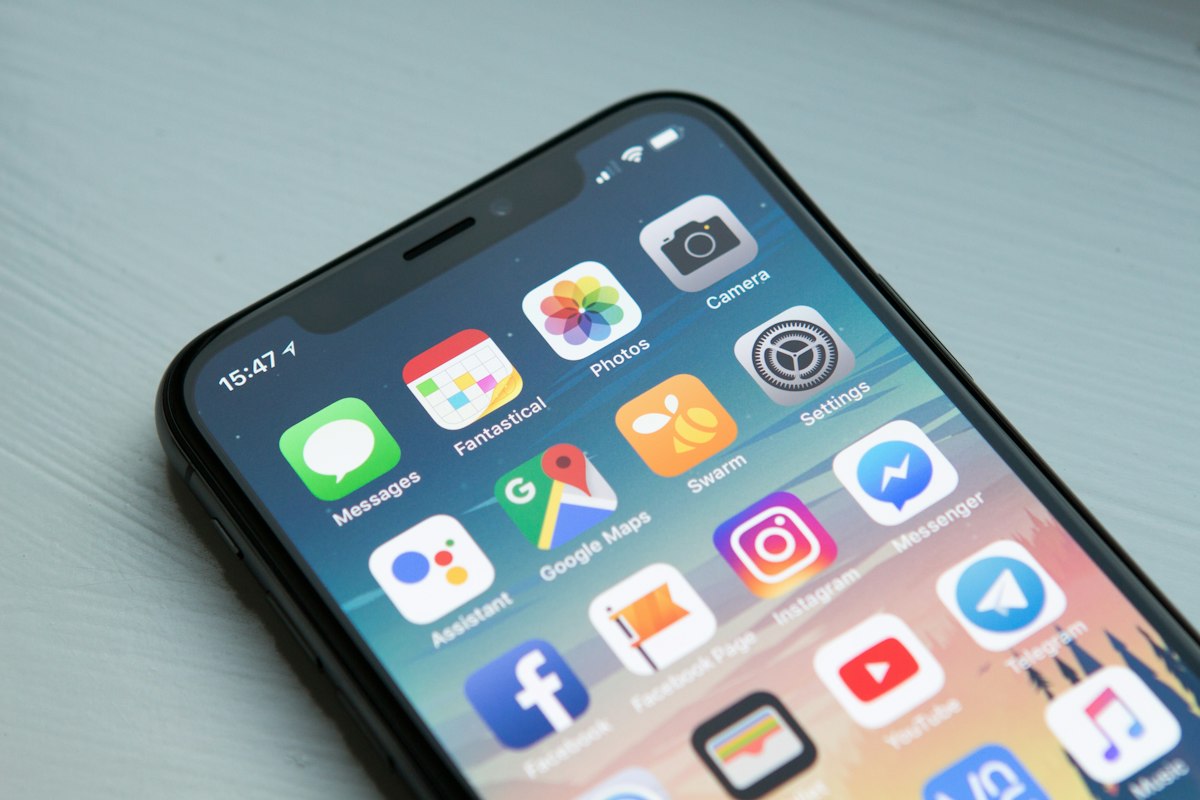
What is a branded app?
A branded app is a mobile application that carries your business’s name, visual identity, and App Store or Google Play listing. When a customer searches for your gym, restaurant, or shop in the App Store, they find your app — not a generic ordering platform that also features your five nearest competitors.
The definition has three requirements that matter legally and commercially:
- Published under your developer account. You or your platform provider submits the app using your Apple Developer or Google Play account, so the listing shows your name, not a software vendor’s.
- Branded to your identity. Your name, icon, colors, and splash screen throughout — not a white-label shell with your logo dropped on top of someone else’s chrome.
- Native iOS and Android output. A mobile-optimized website — even one that looks like an app — is not a branded app. It does not live on the device’s home screen by default, cannot send push notifications without significant opt-in friction, and does not appear in App Store search results.
Counterexample: A restaurant that takes orders through DoorDash has a mobile presence but not a branded app. DoorDash owns the customer relationship, the data, and the notification channel. The restaurant supplies the food and pays the commission.
How does a branded app differ from the alternatives?
Most businesses that don’t have their own app aren’t app-less — they’re just on someone else’s app. It’s worth being precise about the differences, because the costs of each approach are different.
| Channel | Who owns the customer relationship? | Push notifications? | Your first-party data? | Listing fee / commission |
|---|---|---|---|---|
| Branded mobile app | You | Yes, natively | Yes | Apple/Google developer fee only |
| Marketplace listing (DoorDash, Mindbody, Eventbrite) | The marketplace | No — the platform sends them | Limited or none | 15–30%+ of each transaction |
| Mobile website / PWA | You (partially) | Limited, high friction | Yes, if you instrument it | None beyond hosting |
| Third-party platform app (e.g., Mindbody white-label) | Shared — platform can market to your customers | Yes, but platform-controlled | Partial | Platform subscription + usage |
The critical column is the first one. Every business model above except the branded app involves handing over the customer relationship to a third party in exchange for distribution. That trade makes sense when you’re starting out and need reach. It stops making sense once you have a customer base worth protecting.
What does owning a branded app actually give you?
Four things — and they compound. Lose one and you weaken the others.
1. The customer relationship
When a customer installs your app, you get a direct, persistent connection to them that no platform intermediary can revoke. You can message them, reward them, and serve them without asking a third party for permission or paying a toll each time. Marketplaces like Amazon and Uber Eats have spent the last decade demonstrating exactly what happens when the platform decides it wants the relationship for itself: they launch private-label alternatives, they suppress organic results, and they sell ad placements back to the same sellers paying the commission.
2. Push notification permission
Push notifications are the only marketing channel that reaches a customer on their lock screen without requiring them to open a browser or check email. According to Airship’s 2024 Mobile Engagement Benchmarks report, push notifications carry average open rates of 5-15% on iOS and higher on Android, consistently outperforming email open rates for time-sensitive offers. The permission is attached to your app, not to a platform account. A customer who opts in is, for practical purposes, reachable until they uninstall. Managing that channel at scale is easier with a mobile app user engagement platform that includes push notifications.
3. First-party data
Every tap, session, purchase, and in-app action is yours to analyze. You know which features your most loyal customers use, which screens cause drop-off, and what time of day your audience is most active. That data informs product decisions, marketing timing, and personalization — none of which you get from a marketplace that treats your transaction data as its own proprietary asset. A mobile app analytics platform turns this behavioral data into decisions you can actually act on.
4. Pricing power
When you transact through your own app, you set the price and keep the margin. Marketplace commissions of 15–30% are not a technology fee — they’re a rent on the customer relationship you helped build. A gym that moves 40% of its bookings from Mindbody’s consumer marketplace to its own app at a $5 average transaction value doesn’t need to run the math twice. The branded app also lets you run loyalty programs, bundles, and exclusive pricing that you can’t offer on a third-party platform without violating its terms of service. A mobile app loyalty plugin makes those programs straightforward to build and operate.
Is a branded app worth it? A simple value model
Before committing, run this exercise with your own numbers:
- Count your active customers. Anyone who’s bought from you in the last 12 months.
- Estimate what you pay per customer per year in platform fees or ad spend to reach them again. Include marketplace commissions, retargeting costs, and email list management.
- Multiply by your realistic app adoption rate. A gym or coffee shop with a strong regular clientele can realistically reach 30–50% app adoption in year one if they actively promote it. A one-time-purchase retailer might see 10–15%.
- Set that against your annual app platform cost. All-in, including the developer account fee, the app builder subscription, and any maintenance.
If the recaptured margin and reduced ad spend exceed the platform cost within 18 months, the app pays for itself before your customer acquisition costs catch up. Most service businesses with repeat customers hit that threshold. Most one-time e-commerce businesses don’t — and that’s a real answer, not a failure.
When is a branded app not worth it?
This section exists because most app vendor content skips it, which makes it untrustworthy. A branded app is probably not worth building right now if:
- You don’t have repeat customers yet. Push notifications, loyalty programs, and in-app engagement are all retention tools. They don’t fix an acquisition problem. If you haven’t found product-market fit, invest there first.
- Your customer base is under a few hundred active users. The economics don’t compress far enough. You’ll spend more managing the app than you save in commissions.
- Your use case needs features that belong on a platform. If discovery is the point — meaning customers find you because you’re on Eventbrite or Etsy, not because they already know you — the marketplace earns its commission. Pull them to your own app after they become regulars.
- You’re building a social or game experience. That’s a different product category entirely, with a different development cost structure and a different competitive set. A no-code app builder isn’t the right tool for it.
How does a branded mobile app work? The build-to-launch process
Understanding the process matters because the biggest hidden cost isn’t building the app — it’s the App Store submission and ongoing compliance cycle that most DIY tools leave to you.
- Define the use case. What does a customer do in this app that they can’t do as easily on your website? If the answer is “nothing different,” the app won’t get installed. Common answers: loyalty rewards, push-only offers, class or appointment booking, members-only content.
- Choose a build approach. Custom development (expensive, slow, requires ongoing engineers), no-code app builders with App Store publishing support, or a platform like Buildfire that handles both the build tooling and the submission. See the section below on where Buildfire fits.
- Design to your brand. This is the moment the “branded” part becomes literal: your icon, splash screen, color palette, typography, and navigation should match your other customer touchpoints so the app feels like an extension of your business, not a bolt-on product.
- Submit to the App Store and Google Play. This step trips up first-timers more than any other. Both stores review apps before approval, and rejection reasons can be opaque. Apple’s review process alone has historically taken one to three days per submission cycle, and rejections restart the clock. This is where having a team that knows the guidelines is worth more than the subscription cost.
- Drive adoption at launch. An app nobody installs is overhead, not an asset. In-store signage, email campaigns, QR codes at the point of sale, and a tangible incentive for first install (a loyalty credit, a discount, exclusive content) are the standard playbook.
- Operate and update continuously. Content changes, new features, and seasonal promotions should all happen through the app’s control panel — without requiring a new App Store submission each time. If your platform requires a full resubmission for a content update, your operating cost just tripled.
How do you choose the right approach to building a branded app?
The decision comes down to three variables: your budget, your internal technical capacity, and how quickly you need to be live.
If you have $25,000–$500,000 and 6–12 months, custom development gives you the most flexibility. You own every line of code, you can build anything, and you’re not constrained by a platform’s plugin library. The risk is that you’re now a software company on top of your core business, with ongoing engineering costs and no guaranteed outcome.
If you need to be live in 60–90 days and want to spend a fraction of that, a no-code or low-code app builder is the practical answer. The key questions to ask any vendor: Does the platform submit to the App Store and Google Play on your behalf? Does updating content require a new submission? What happens to your app if you stop paying?
If you’re an agency building apps for clients and want your own brand on the platform, a white label mobile app builder lets you resell the tooling under your own name.
For most SMB operators — gyms, restaurants, churches, real estate practices, healthcare clinics — the question isn’t really “build vs. buy.” It’s “which platform’s team will keep my app published and compliant while I run my business?” That’s a different question than it looks, and it’s worth asking explicitly before you sign anything.
What are the most common mistakes businesses make with branded apps?
Treating launch as the finish line
The most common mistake, and it happens because the hardest visible milestone is getting the app approved and live. Once it’s in the store, attention drifts. But an app with no new content, no push notifications, and no loyalty mechanic gets uninstalled within 30 days by most users. The app is a channel, and channels require programming. Building a mobile app engagement platform approach into your operation from day one — not as an afterthought — is what separates apps that stick from apps that get forgotten.
Building before you have the use case
Some businesses build an app because competitors have one, or because it sounds like the right thing to do. An app without a clear reason to open it is marketing spend with no return. Define the habit you’re trying to build — the daily check-in, the weekly order, the pre-class booking — before you build anything.
Ignoring App Store Optimization
Your app listing is a search result. The name, subtitle, keyword field, screenshots, and ratings all determine whether people who don’t already know you find your app. Most small businesses do zero keyword research for their app listing and then wonder why installs are flat. Treating your listing as a search result turns App Store search into an acquisition channel, not just a destination for people you’re already sending there.
Choosing a platform that can’t publish to the App Store
A significant number of app builders produce PWAs — progressive web apps — and describe them as “apps.” A PWA lives in the browser, can be added to a home screen, and can do some of what a native app does. It cannot be found in App Store search, cannot send lock-screen push notifications on iOS with the same reliability as a native app, and does not carry the same user trust signal as an App Store listing. If App Store presence matters to your business — and for most SMBs it does — confirm before you build that the platform actually submits to both stores.
Not promoting the app at the point of experience
The highest-converting install moment is when a customer is physically in your location or immediately after a great experience. A QR code at checkout, a staff mention at the end of a class, and a post-purchase email with an install incentive outperform any paid install campaign by a wide margin for service businesses. Most operators treat this as an afterthought and then complain that adoption is low.
Where does Buildfire fit?
Buildfire is a mobile app development platform that builds native iOS and Android apps for businesses that need to be in the App Store without hiring a development team. The part that’s actually differentiated isn’t the builder — it’s that Buildfire’s team handles App Store and Google Play submission, approvals, and ongoing compliance. Content updates republish without a resubmission cycle. A dedicated account manager is assigned to every customer.
It’s built for exactly the SMB use cases described in this guide: restaurant apps, fitness and wellness apps, loyalty, push, booking, and content — all managed from a control panel without engineering. Over 10,000 apps have been built on the platform.
Buildfire is not the right answer if you’re building a social network, a game, or any app where the software architecture is itself the product. For those, you need a custom development team. For a gym owner who wants her members to book classes, earn points, and get a push notification when a spot opens up in tonight’s session — it’s built for that.
If you want to understand whether a branded app makes sense for your specific business before committing to anything, the 30-day free trial is the honest way to find out. You’ll see the build process, the control panel, and what App Store submission actually involves — without a sales cycle attached.
Frequently asked questions
What is a branded mobile app?
A branded mobile app is a native iOS or Android app published under your own business name and App Store listing — not inside a marketplace or third-party platform. It carries your identity, lives on your customers’ home screens, and gives you direct ownership of the customer relationship, push notification permission, and first-party behavioral data.
What’s the difference between a branded app and a marketplace listing?
A marketplace listing puts your business inside someone else’s app — DoorDash, Eventbrite, Mindbody — where the platform owns the customer relationship and charges a commission of 15–30% or more per transaction. A branded app puts you in the App Store under your own name, so you keep the margin, the data, and the direct channel to your customer.
How much does it cost to build a branded mobile app?
Custom development typically runs $25,000–$500,000 and takes 6–12 months. No-code app builders with App Store publishing support cost a fraction of that — typically a monthly platform subscription — and can launch in 60–90 days. The right choice depends on whether you need fully custom architecture or whether a plugin-based platform covers your use case.
Do I need a branded app or is a mobile website enough?
A mobile website is usually enough if your main goal is information delivery — hours, menus, contact details. A branded app is worth the investment when you need push notifications, loyalty programs, repeat in-app transactions, or App Store discoverability. The practical test: if there’s a habit you want customers to build around your business, an app supports it better than a website.
Can a small business afford a branded mobile app?
Yes, if the business has repeat customers and currently pays platform commissions or ad spend to reach them. No-code app platforms have brought the annual cost to a level that most service businesses — gyms, restaurants, churches, clinics — can offset through reduced commission spend within 12–18 months. The economics don’t work as well for businesses with low repeat purchase rates.
What is App Store Optimization (ASO) and why does it matter for a branded app?
ASO is the practice of optimizing your App Store and Google Play listing — name, subtitle, keyword field, screenshots, and ratings — so that people who don’t already know you can find your app through search. Most small businesses skip it, which means their app is only discoverable to people they’ve already sent there directly.
What is the difference between a branded app and a white-label app?
A branded app is built and published specifically for one business — your gym, your restaurant, your membership community. A white-label app is a platform that an agency or reseller publishes under multiple clients’ names, often built on the same underlying codebase. From the end customer’s perspective they can look identical; the difference is in who owns the build and the contract.