

Top 11 Apps for Efficient Mobile Workforce Management
Apps make life much easier. We use apps in our personal lives for things like banking online, booking flights, getting directions, or doing dozens of other tasks from the palms of our hands.
But mobile apps are also highly beneficial in the workplace.
Mobile employee apps are perfect for internal communication purposes, managing workflow, and providing your staff with self-service HR tools.
Apps are especially useful for organizations with a deskless workforce. Mobile workers don’t have easy access to computers or laptops at a moment’s notice. But their smartphones never leave their side.
Key Takeaways
- Mobile App Benefits: Enhance internal communication and workflow management.
- Deskless Workforce Advantage: Essential for employees without constant computer access.
- Popularity Growth: 87% of businesses rely on mobile apps for workforce management.
- Employee Demand: 60% of workers report increased productivity with mobile apps.
- Top App Features: Explore communication, project management, and field service solutions.
Workforce apps are growing in popularity. In fact, 87% of businesses depend on employees accessing business apps from their smartphones.
)
That’s not all. Your employees want mobile apps. 59% of workers say that organizations are too slow at incorporating apps into the business model. But 60% of employees say that workforce apps directly improved their personal productivity.
So which apps are the best?
I’ve identified the top 11 apps that your business can use to manage its mobile workforce. I’ll outline the features, benefits, and any potential drawbacks of each one below.
1. Slack
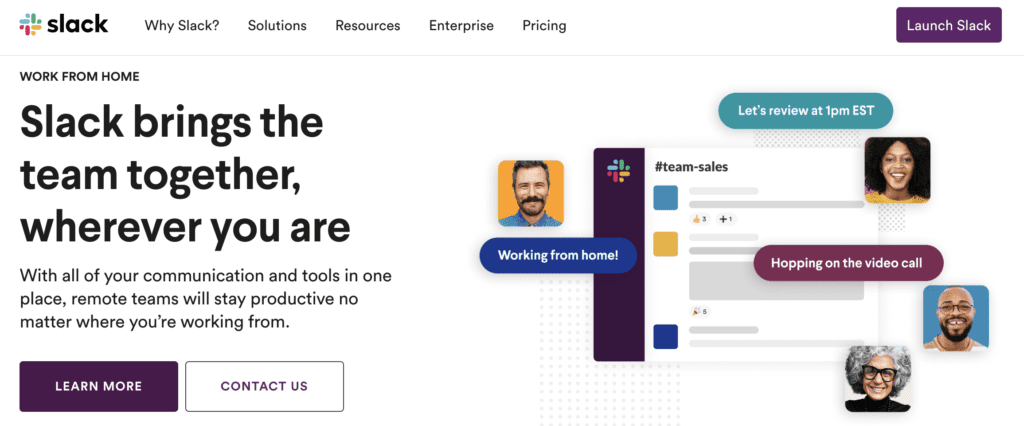
Slack has quickly become one of the world’s most popular business apps for internal communication. This instant messaging tool for iOS and Android is leveraged by large enterprises, small businesses, and everything in between.
It’s trusted by big names like Airbnb, TD Ameritrade, Target, Cole Haan, Zendesk, Fox, and HubSpot.
Slack has over 12 million daily active users across 150+ countries. 65 of the Fortune 100 companies use Slack.
Whether you have remote employees or field workers performing jobs on-site, they’ll always be kept in the loop with their team. Whether they have questions or need assistance related to a particular job, or just want to give a quick status update, Slack delivers messages in real-time.
Slack allows you create communication channels for different teams. Let’s say you’re a contractor. You could create a separate channel for each job or each crew.
Use Slack to communicate with freelancers, third-party contractors, or even staff from other businesses that you’re working with.
This app has a wide range of solutions and use cases for employees related to:
- Remote work
- Engineering
- Distance learning
- Sales
- Financial services
- IT
- Human resources
- Customer support
- Project management
- Media
Another reason why Slack ranks so high on our list is because it integrates with 2,000+ other apps and tools you might already be using.
In addition to instant messaging, you can leverage Slack for audio and video calls. Let’s say you have an on-site technician making a repair at a customer’s house. They can video chat with someone in the office if they need assistance or want to show them progress in real-time.
The app is so popular that it’s become a verb. We use it here at Buildfire. It’s not uncommon for someone to say something along the lines of “Slack me later.”
With all of this in mind, Slack does have its fair share of restrictions. It is not an all-in-one solution for managing your mobile workforce. It’s simply an effective communication tool.
2. Trello
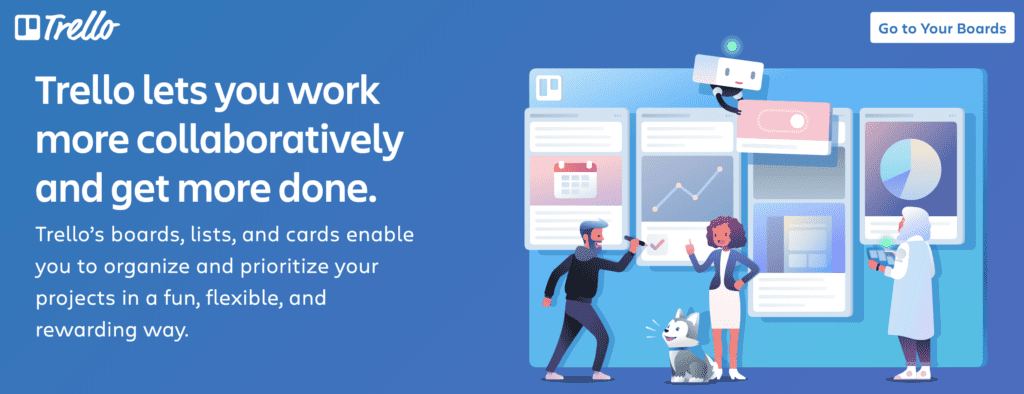
The Trello app is an exceptional tool for managing productivity in the workplace. For single projects or ongoing work, it’s an ideal project management solution for small and large teams alike.
Here’s how it works.
First, you create a Trello “board.” The board can be used for anything from managing your company’s blog to handling workflow status updates for field service technicians.
Within each board, you can create a list. Lists are columns that can be used to define the progress for different tasks and projects.
| Column | Description |
|---|---|
| To be scheduled | Tasks that are yet to be assigned a specific time or date. |
| Scheduled | Tasks that have been assigned a specific time or date. |
| On-site | Tasks currently being worked on at the location. |
| Done | Completed tasks. |
Every time you have a new project, simply create a “card” and place that card in the respective column. You can create subtasks within that card, such as “called client” or “left a message.” Cards can have due dates and be assigned to specific people within your team.
Let’s continue using the example above. If you schedule a new job for a field service technician, you can put the card in the “Scheduled” list and assign it to the designated employee.
The card can include details about the job, including the address, customer name, and anything else that needs to be done.
Once that employee arrives at the job, they can simply move the card to “On-site” to keep the entire team updated. They can take notes on the card, upload documents, pictures, and complete subtasks like “provided estimate” or “fixed broken sink” (or whatever else you’re doing out there).
If your mobile workforce needs an app for project management, Trello is an ideal solution for you. You can join the millions of users leveraging this tool.
It’s worth noting that Trello isn’t perfect. While you can tag team members and add comments to cards, it doesn’t really provide real-time communication, instant messaging, or audio and video calling features.
Like most of the apps on our list, the app is intended for just one specific purpose. In this case, the purpose is project management.
3. allGeo
Formally myGeoTracking, allGeo is a solution designed specifically for field service workers. The platform offers multiple mobile employee apps for different use cases.
- Field Service Visibility — Monitor time and location on the job.
- Field Service Time Clock — GPS time and attendance system.
- Field Service Safety — Monitor employee safety on-site.
- Field Service Inspection — Collect data with forms and checklists.
- Field Service Dispatch — Real-time notifications and messaging.
- Field Service Milage — GPS mileage tracking and real-time location.
- Field Service EVV — Geofence-based tracking for compliance.
- Field Service Load — Automatic status updates including ETAs.
As you can see, allGeo has a field service app for nearly every mobile employee management tool that you can think of. Unfortunately, none of these come with internal communication features.
It does have some HR and HCM functionality. The apps can integrate with payroll tools like QuickBooks and Paychex. But it’s somewhat limited in terms of what you can accomplish with this.
Another downside of allGeo is the fact that all of these apps are separate from each other. So if you want multiple features, you’ll have to use more than one app. This can get messy and confusing.
allGeo does have a custom app solution for these purposes. But overall, the individual apps function better on their own.
With all of that said, these are still top mobile employee apps for field service workers if you need just one of the management functions listed above.
4. GoToMeeting
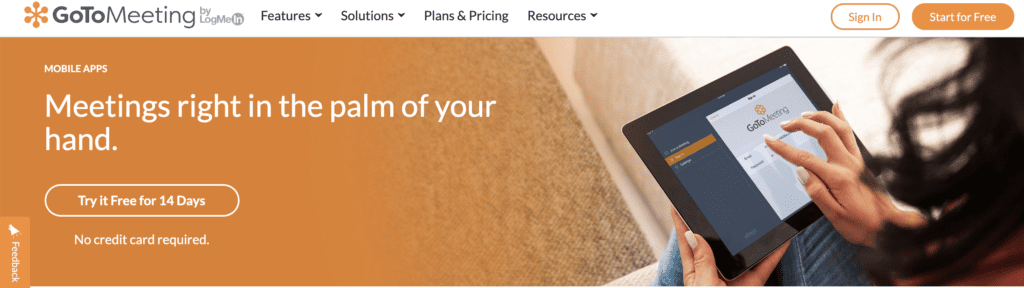
GoToMeeting is another mobile employee app with a specific point of emphasis. As the name implies, this app is used for holding virtual meetings.
The app has features for both audio and video meetings that can be managed from smartphones and tablets. It’s an excellent way for remote employees or staff working on different job sites to communicate in real-time.
With a mobile workforce, you lose the ability to hold conference room style meetings at the office. GoToMeeting makes it possible for you to hold virtual conferences.
Top features for GoToMeeting include:
- No meeting time limits
- Business messaging
- Personal meeting rooms
- Calendar integrations
- Up to 25
11. Build a Custom Workforce App
 Rather than using a cookie-cutter solution with limitations, you can build a custom workforce app wit
- Employee training and development
- Compliance
- Company news and announcements
- Employee onboarding
- Real-time communication for a crisis or emergency
- Timesheets
- Time off requests
Final Thoughts
There’s a common theme with the mobile workforce apps on this list. All of them have limitations and flaws.| Need | Solution |
|---|---|
| Internal communication with remote employees | Specific app for communication |
| Managing projects and tasks | Specific app for project management |
| Video calling, file management, field service | Separate apps for each function |
| All-in-one solution | Custom app development with Buildfire |
Frequently Asked Questions
What are the best apps for managing a mobile workforce?
Some of the best apps for managing a mobile workforce include Slack for communication, Trello for project management, and allGeo for field service tracking.
How can mobile apps improve employee productivity?
Mobile apps improve employee productivity by providing tools for better communication, task management, and real-time updates.
What features should I look for in a workforce management app?
Look for features such as real-time communication, task tracking, and integration capabilities with other tools.
How do I choose the right app for my mobile workforce?
Consider your specific business needs, such as communication, project management, or field service tracking.