

Picking the right app development tools is a critical part of building a good app.
But there are certain factors that come into play when you’re trying to decide which tool is best for cross platform app development.
Often times, the platform that you want to build for dictates which types of tools you’ll be using. You’re going to use different tools depending on if you’re building for Apple or Android.
For example, if your app is being built strictly for the Google Play Store then you’ll use Android Studio for native app development. Whereas Xcode is used for iOS apps on Apple’s operating system.
Key Takeaways
- Platform Dictation: The platform you target influences the tools you use.
- Cross Platform Efficiency: Develop for both iOS and Android simultaneously with cross platform frameworks.
- Tool Selection Factors: Consider speed, feature support, risk, and cost when choosing tools.
- Code Reusability: Tools like Titanium allow for significant code reuse, saving time and effort.
- Open Source Benefits: Open-source tools like Titanium and Cocos2d benefit from global developer contributions.
However, cross platform development framework technology means that you can develop for both platforms simultaneously.
Cross platform app development makes things much easier for developers, that way you won’t have to go through the same process twice on two separate platforms.
How do you pick the right tool for cross platform mobile apps?There are so many different options to choose for cross platform mobile app development. It can be difficult to narrow down which ones are the best for cross platform apps.
There are four main factors that should influence your decision.
- Speed Considerations
- Feature Support
- Framework Risk
- Development Cost
You’ve got to take these elements into consideration when you’re analyzing cross platform development tools.
To help get you started, I’ve already conducted research. I used these components to help narrow down the top options available. Here are the 10 best cross platform mobile app development tools:
1. Titanium
Appcelerator Titanium is one of the top choices available.
The Titanium SDK operates using JavaScript. Their system makes it really easy for you to create native apps for both iOS and Android.
It allows you to reuse between 60% and 90% of the same code for all of your apps.
This feature is a huge time saver. For all of you developers out there who have gone through the coding process before, you know how much time and effort it takes to code from scratch.
The ability to get a head start and have more than half of the code already done is why Appcelerator Titanium is such a popular choice and you can use for hybrid mobile app development.
Titanium is also an open-source development tool. So thousands of developers across the globe are always making contributions.
As a result, the performance and functionality of this resource are constantly improving. Who knows, you might even find a way to make this tool better as well.
You can repair and bugs or glitches in this system if you find one while you’re working. It will help other developers who use this tool in the future.
The design features for Titanium are great as well. They make it really easy for you to just drag and drop templates.
You can move from the design aspects back to the code components with seamless effort.
In addition to Java, Titanium also allows you to use code from Swift and Objective C simultaneously with its own code.
2. Cocos2d
If you’re building an app that’s for a two-dimensional game, you might want to consider using Cocos2d as your cross platform development tool.
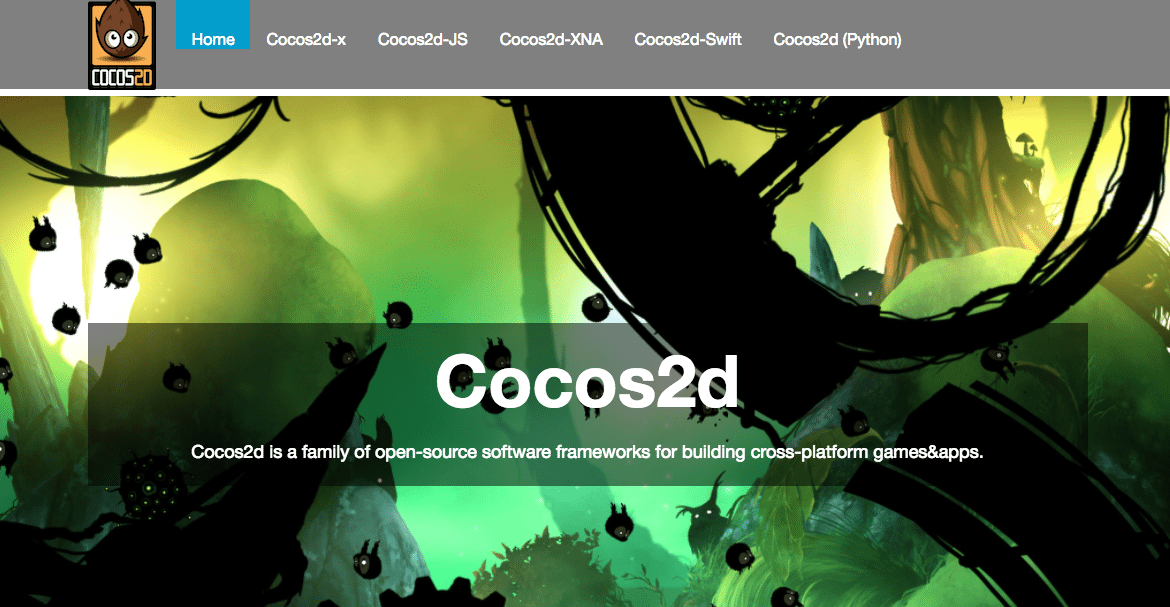
Just like Titanium, Cocos2d is also an open-source platform. So there are always updates and improvements being made to it by other developers.
If you’re using this tool, you’ve got the option to choose between five different platforms or forks to develop with.
- Cocos2d-x
- Cocos2d-JS
- Cocos2dXNA
- Cocos2d-Swift
- Cocos2d (Python)
The differences between these forks are based on your preferred programming language as a developer.
| Fork | Programming Language |
|---|---|
| Cocos2d-Swift | Objective-C |
| Cocos2dXNA | C# |
| Cocos2d-JS | JavaScript |
| Cocos2d-x | C++ |
| Cocos2d (Python) | Python |
So if you’re familiar with Xcode and Objective-C, you’ll want to use Cocos2d-Swift.
For those of you that prefer the C# language, you should use Cocos2dXNA. For JavaScript, Cocos2d-JS is the best option.
If you like the C++ language, then Cocos2d-x is your best bet.
Just like the name says, Cocos2d(Python) is made for the Python programming language.
The programming language versatility on Cocos2d is what makes it such a popular option for developers. Working with a language that you’re familiar with helps make sure that you’re getting things done as quickly and efficiently as possible.
Some known gaming apps that were built using this cross platform development tool include:
- Badland
- Kingdom Rush
- Castle Clash
- Tiny Village
- Big Fish Casino
- Matching with friends
This can give you an idea of the quality that comes from this tool.
3. Unity3d
Let’s stick with the gaming theme here. Unity3d is another option that you should consider if you’re developing a game.
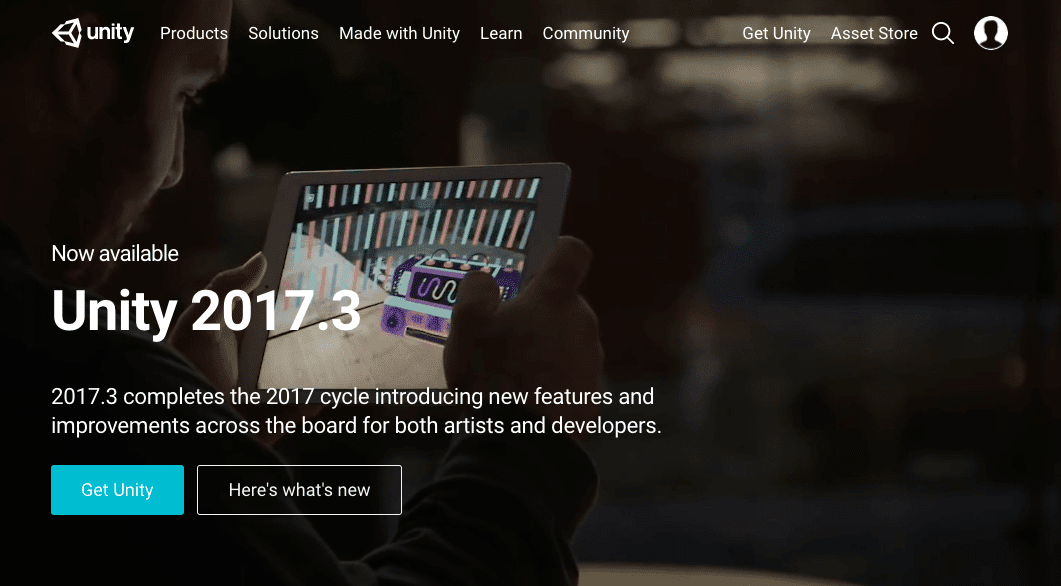
The reason why this cross platform development tool is so popular is because the graphics are absolutely incredible. It’s so great that it can be used for more than just a mobile app.
After you develop the code using Boo, C#, or UnityScript, you’ve got the ability to export the game to 17 platforms. Some of the top ones include:
- Android
- iOS
- Windows
- PlayStation
- Linux
- Xbox
- Wii
- Web
After your game is up and running on all of the different platforms that you’ve selected, you can use the Unity3d platform to help you distribute it to all of the stores.
You can also use Unity3d to track user analytics and get social shares for your app.
Unity3d has a network of developers and experts called Unity Connect. If you join this network you find help and get questions answered if you’re having trouble with something.
On the flip side, if you’re an expert with this development tool, you can join the community and get paid to offer advice to those in need of some extra guidance.
4. PhoneGap
PhoneGap is owned by Adobe. So if you’re familiar with other Adobe products, you know how reliable and easy to use they are.
One of the best features of this cross platform development tool is that it’s free to use. It’s easy to translate code from CSS, JavaScript, and HTML5.
This is one of the top options to use if you’re building an app for the first time as a developer.
All of the software development kits are maintained by PhoneGap, so you don’t have to worry about handling that. After you finish developing the app, they ma
They have lots of products, but the main one for developers is Ext Js 5. The reason why developers like it is because it works well with different devices and platforms.
So if you use Sencha, it’s easier to work with multiple members of your team no matter where you are.
Ultimately, this will boost productivity. They also offer lots of pre-built elements that will save you
Comparison of Cross Platform Development Tools
| Tool | Primary Language | Key Features | Target Platforms |
|---|---|---|---|
| Qt | C++ | Seamless export process, test on various devices | iOS, Android, various platforms |
| Corona | Lua | Great for 2D games, high quality graphics | Mobile apps |
| 5app | JavaScript, HTML5 | Focus on data security, employee app development | iOS, Android |
| Alpha Anywhere | Multiple (Xbasic, C#, VB.NET, JavaScript) | Data integration, offline access, GPS/GIS features | Multiple platforms |
| React Native | JavaScript | Cross platform and cross device solution | iOS, Android, web apps, Windows, macOS, etc. |
| Xamarin | C#, Ruby | App store delivery, performance monitoring | iOS, Android |
Frequently Asked Questions
How does Titanium help in cross platform app development?
Titanium allows developers to reuse a significant portion of their code across different platforms, saving time and effort.
Is Cocos2d suitable for game development?
Yes, Cocos2d is particularly well-suited for developing two-dimensional games. Its open-source nature means continuous improvements, much like the enhancements seen in platforms such as Buildfire.
What makes Unity3d a popular choice for developers?
Unity3d is popular due to its incredible graphics capabilities and the ability to export games to multiple platforms, including Android, iOS, and more.
Why choose PhoneGap for app development?
PhoneGap is a great choice for beginners due to its ease of use and the ability to translate code from CSS, JavaScript, and HTML5 efficiently.